Setup, Compatibility & Care
Setup
- Unpacking: Carefully remove the TV from its packaging, and inspect for any damage.
- Stand Assembly: Attach the stand according to the included instructions. If you plan to wall-mount, skip this step.
- Connections: Connect your devices (cable box, game console, Blu-ray player) using HDMI cables. Connect your audio output (soundbar or receiver).
- Power On: Plug the TV into a power outlet and turn it on. Follow the on-screen instructions to set up Google TV, connect to Wi-Fi, and perform a channel scan.
Compatibility
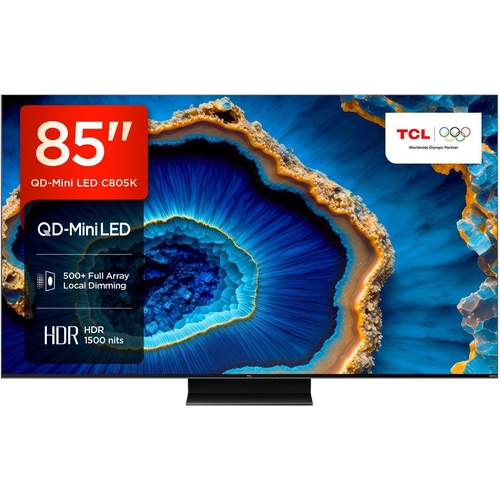
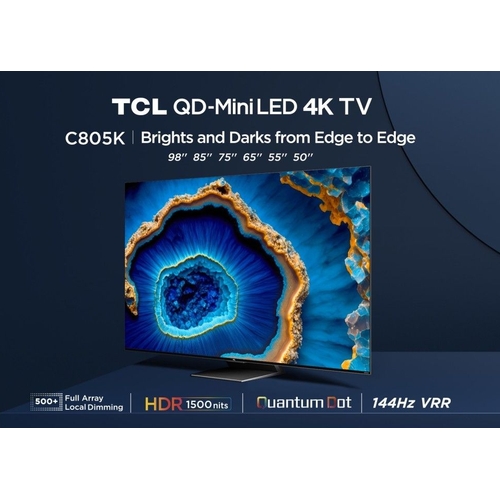
The TCL 85" C805K is compatible with:
- HDMI 2.1 devices (game consoles, Blu-ray players).
- Wi-Fi networks (802.11a/b/g/n/ac).
- Apple AirPlay 2 and HomeKit.
Care
- Cleaning: Use a soft, dry cloth to clean the screen and frame. Avoid using liquid cleaners.
- Ventilation: Ensure proper ventilation around the TV to prevent overheating.
- Software Updates: Regularly update the TV's software to ensure the best performance and access to the latest features. Updates are performed through the TV's settings menu.
- Power: Unplug the TV during thunderstorms or when not in use for extended periods.


 PCHUB.UK£704.73Visit shop
  AO.com£799.00Visit shop


