Setup, Compatibility & Care
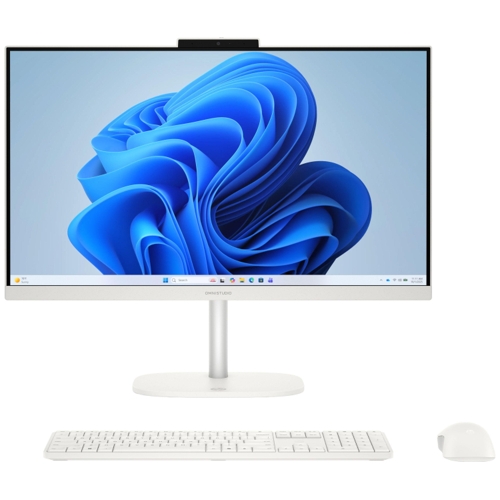
Setting up the OmniStudio is straightforward: simply attach the stand, plug in the power adapter, and connect your wireless peripherals.
Compatibility
- Ports: Supports one HDMI output for secondary displays, multiple USB Type-A and Type-C ports for peripherals, and a combo headphone/mic jack.
- Network: Integrated Ethernet port for wired stable connections alongside the fast Wi-Fi 6 card.
Care Instructions
- Screen Maintenance: Use only a dry or slightly dampened microfiber cloth. Never spray liquid cleaners directly onto the screen.
- Ventilation: Keep the back of the unit clear of obstructions to ensure the cooling system operates efficiently.
- Updates: Use the built-in HP Support Assistant to ensure drivers and BIOS firmware remain current for optimal security and performance.


 PCHUB.UK£539.75Visit shop