Setup, Compatibility & Care
Applying the Sensor: Clean and dry the chosen application site on the back of the upper arm. Remove the protective cap from the sensor. Apply the sensor using the applicator device; it will insert a thin filament under the skin. Press the applicator firmly and remove it. The sensor is now attached.
Connecting to Reader/App: Download the compatible FreeStyle Libre app on your smartphone or use a compatible FreeStyle reader. Follow the app or reader's instructions to pair with your sensor. This typically involves bringing the reader close to the sensor or scanning via the app.
Compatibility: Requires a compatible smartphone (iOS or Android) with Bluetooth capabilities and the specific FreeStyle Libre app, or a compatible FreeStyle reader. Always check the official FreeStyle website for the most up-to-date compatibility information.
Care: The sensor is water-resistant and can be worn during showering, swimming, or exercise. Avoid exposing the sensor or reader to extreme temperatures. Keep the sensor site clean. If the sensor becomes loose or dislodges, it should be replaced.



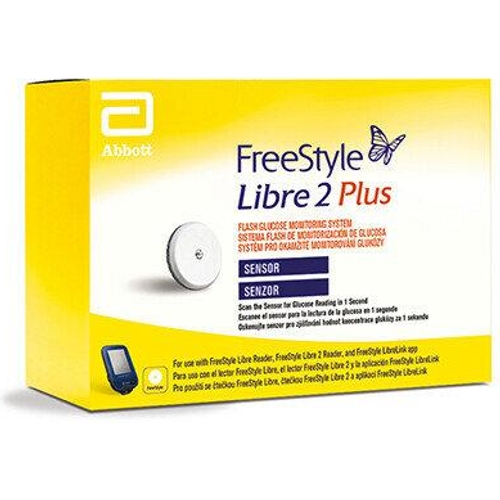
 Pharmacy Online£52.99Visit shop
  OnBuy.com£65.99Visit shop