Setup, Compatibility & Care
To get started, place the desktop on a flat, stable surface with at least six inches of clearance on all sides to ensure proper airflow to the internal cooling components. Connect your monitor using the appropriate display ports on the back panel, plug in your peripherals, and connect the power cable directly to a wall outlet for maximum stability. To maintain performance, ensure the pre-installed Windows OS is kept up to date via the Settings menu. For care, keep the vents free of dust by gently cleaning them with compressed air every few months, and avoid placing the tower on carpeted surfaces which can restrict airflow and increase internal heat.

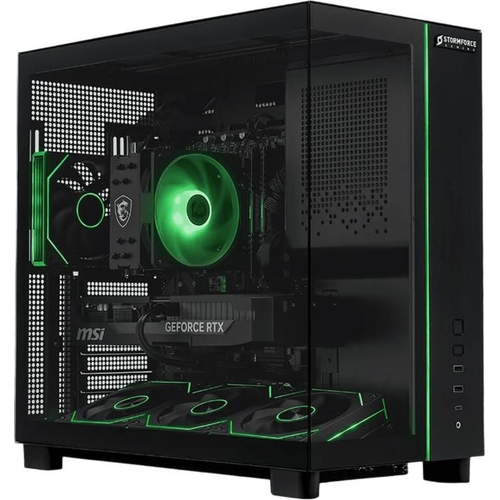
 Joybuy UK£1,774.99Visit shop


