Setup, Compatibility & Care
Setup:
- Ensure your Fujifilm X-mount camera body is compatible with the TTArtisan AF 75mm f2 lens. Refer to the camera manufacturer's website or TTArtisan's compatibility list.
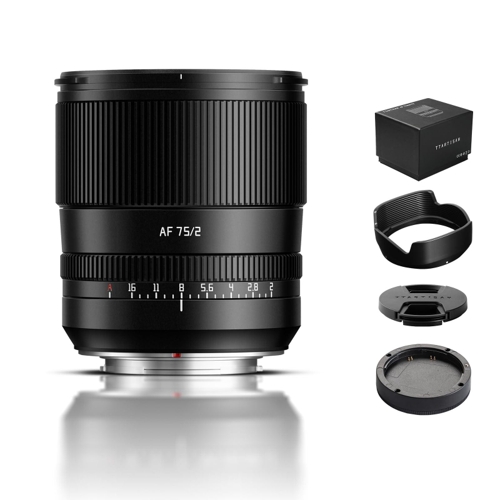
- Gently attach the lens to your camera's lens mount, aligning the red dots on both the lens and camera body.
- Twist the lens clockwise until it clicks into place.
- Turn on your camera. The lens should be recognized automatically. You may need to enable lens autofocus settings in your camera's menu.
Compatibility:
This lens is specifically designed for Fujifilm X-mount mirrorless cameras. It is a full-frame lens design, but will also function on APS-C Fujifilm X-mount cameras, providing an equivalent focal length of approximately 112.5mm (on APS-C sensors).
Care:
- Cleaning: Use a soft, lint-free microfiber cloth to clean the lens elements. For stubborn smudges, use a lens cleaning solution sparingly on the cloth, not directly on the lens.
- Storage: Store the lens in a cool, dry place, preferably in a lens pouch or its original box, to protect it from dust, moisture, and impact.
- Handling: Always handle the lens with care. Avoid touching the glass elements with your fingers. Use the lens cap when not in use to prevent dust accumulation.
- Weather Sealing: This lens is not weather-sealed. Avoid exposing it to rain, snow, or excessive humidity.

 OnBuy.com£197.19Visit shop
  Wex Photo Video£199.00Visit shop


