Setup, Compatibility & Care
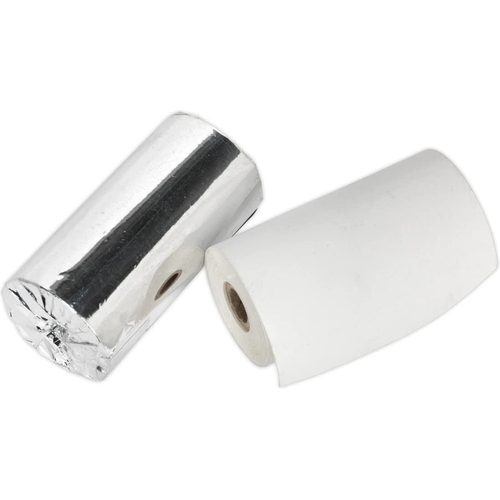
Setup: To set up the Sealey Printing Roll, ensure your compatible battery tester is powered off. Open the paper compartment cover on the tester. Remove any existing empty roll. Place the new roll onto the spindle, ensuring the paper feeds from the bottom of the roll and comes out over the top. Gently pull a small length of paper through the slot. Close the paper compartment cover securely. Power on the tester and perform a test print to confirm correct installation.
Compatibility: This printing roll is designed as a direct replacement for the Sealey BT2012.V2 and is also compatible with the Sealey BT2015. It is stated to work with other leading brands of battery testers that use a 57mm wide thermal paper roll. Always check your tester's manual to confirm compatibility with 57mm paper rolls.
Care: Store the printing rolls in a cool, dry place away from direct sunlight to prevent premature fading or degradation of the paper. Avoid touching the paper surface with oily or dirty hands, as this can affect print quality. Keep the paper compartment of your tester clean to ensure smooth paper feeding.


 Power Tools Direct£12.52Visit shop
  B&Q£15.82Visit shop

